

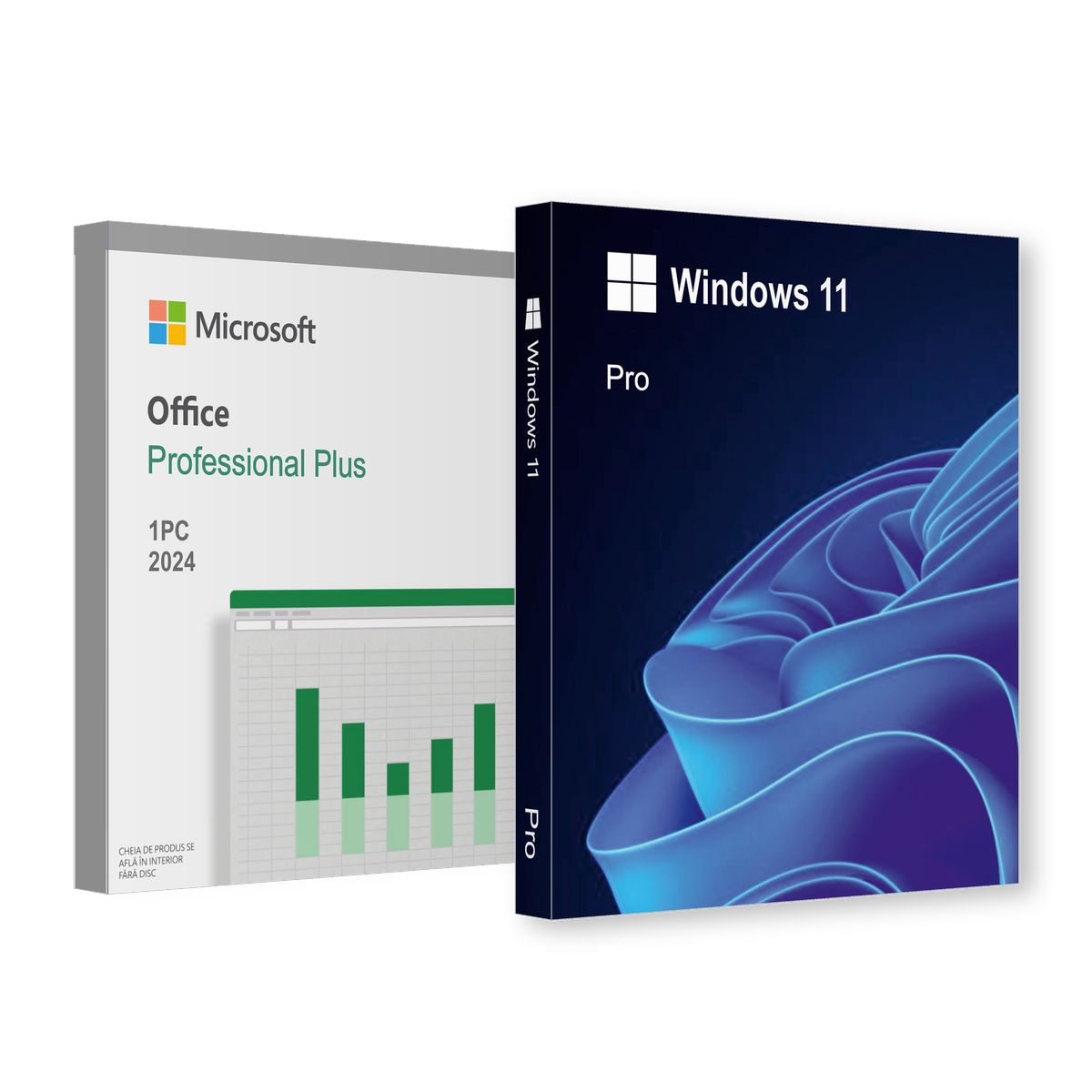
Bundle Microsoft® Windows 11 Pro Retail FPP + Office Professional Plus 2024, 2 x USB 3.0, All Languages
Original price was: 168,00 lei.149,00 leiCurrent price is: 149,00 lei.
- The package contains the Windows 11 Pro and Office Professional Plus 2024 license codes, a bootable USB stick with the official Windows 11 Pro kit, a stick with the Office 2024 installation kit and detailed installation instructions
- Ready to ship, from stock, by fast courier
- It can also be installed in Romanian
- For individuals and companies; we issue an invoice
- Activation online, with the key in the package
- Windows version: Retail FPP
- Permanent licenses, no subscription
- Set with two separate cases
| Weight | 1 kg |
|---|---|
| Dimensions | 10 × 10 × 10 cm |
- Sameday courier delivery: 19 lei
- 24-month warranty
- Invoice for every order
- Installation help on WhatsApp: 0799 237 426
What you get in the package
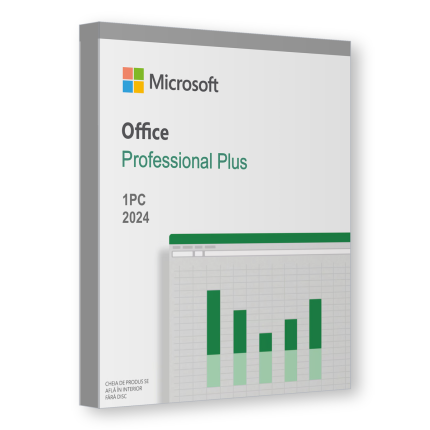
- Set with two separate cases, one for each product
- Your license codes for Windows 11 Pro and Office Professional Plus 2024, printed
- Bootable USB stick with the official Windows 11 Pro kit
- USB stick with the Office 2024 installation kit
- Detailed installation and activation instructions
- The invoice for your order
Please note! The product keys are unique, and the product cannot be returned after delivery. The price paid is for the license keys. The other items in the package (the USB sticks) are minor accessories, meant to help you with the installation.
Windows 11 Pro Retail FPP
Retail FPP (Full Packaged Product) is the name of the version sold individually to end users, in its own packaging. The package contains the license and the installation kit.
- Refreshed Start menu and new ways to work with apps and content
- Snap layouts and virtual desktops, for easier multitasking
- Widgets and Microsoft Edge, to keep you up to date with the news
- The Pro editions offer advanced security and networking features for business use, including BitLocker Drive Encryption, Remote Desktop and the ability to connect the PC to a domain or to Microsoft Entra ID.
Office Professional Plus 2024
- Word, Excel, PowerPoint and Outlook
- OneNote (the desktop app) and Access
- Publisher is not included in Office LTSC 2024, because Microsoft is retiring it
- Teams is not preinstalled, but it can be downloaded separately from the Microsoft website
- Office 2024 does not receive new features after release and does not include the cloud features of Microsoft 365
Minimum system requirements (Microsoft)
Windows 11 Pro
- Processor: 1 GHz or faster, with 2 or more cores, on a compatible 64-bit processor or System on a Chip (SoC)
- RAM: 4 GB
- Storage: 64 GB or more
- Firmware: UEFI with Secure Boot support
- TPM: Trusted Platform Module version 2.0
- Graphics card: compatible with DirectX 12 or later, with WDDM 2.0 driver
- Display: HD (720p), with a diagonal larger than 9 inches and 8 bits per color channel
Office Professional Plus 2024
- Processor: 1.1 GHz or faster, 2 cores
- RAM: 4 GB
- Disk space: 4 GB free
- Display: 1280 x 768 (64-bit Office is required for 4K and above)
- Graphics: hardware acceleration requires a Direct3D 9.1 or newer adapter with a WDDM 1.3 or newer driver
- Supported operating systems: Windows 11, Windows 11 LTSC 2024, Windows 10 LTSC 2021, Windows 10 LTSC 2019, Windows Server 2025 and Windows Server 2022 (on ARM devices, the minimum is Windows 11)
Check these requirements before ordering.
How to install
Windows first
- Connect the USB stick to the PC and restart the system.
- Choose to boot from USB in the boot menu (BIOS/UEFI).
- Select the language, regional format and keyboard, then click Next.
- Enter the product key from the package and follow the installation steps.
- At first startup, connect to the internet and finish the initial setup.
Then Office
- Connect the USB stick to the PC.
- Start the installation from the stick, following the detailed instructions in the package.
- Enter the product key from the package when asked to activate.
- Connect to the internet for online activation.
Frequently asked questions
Why two sticks?
One stick holds the bootable Windows kit, and the other holds the Office installation kit. You install Windows first, then Office.
Can I use the licenses as a company?
Yes. The package can be used by individuals and companies, and the invoice is issued to an individual or a company.
What does Retail FPP mean?
Retail FPP (Full Packaged Product) is the name of the version sold individually to end users, in its own packaging. The package contains the license and the installation kit.
Official sources: Microsoft – Windows 11 specifications; Microsoft Support – differences between Windows Pro and Home; Microsoft Learn – Office LTSC 2024.
Only logged in customers who have purchased this product may leave a review.
Related products
Bundle Microsoft® Office Professional Plus 2024 + Windows 11 Pro, 2 digital licenses ESD, Windows
- The package contains 2 digital licenses (ESD) and the installation instructions – online activation
- The licenses are permanent
- Can be used by companies and individuals
- The digital license (serial number) is delivered within minutes, after payment is confirmed, by email
- We issue an invoice to an individual or a company
- Free technical support by email or WhatsApp, on request
- Install with the official Office 2024 and Windows 11 Pro kits from the Microsoft website
- It can also be installed in Romanian
- For Windows; does not work on macOS
Bundle Microsoft® Office Professional Plus 2024 + Windows 10 Pro, 2 digital licenses ESD, Windows
- The package contains 2 digital licenses (ESD) and the installation instructions – online activation
- The licenses are permanent
- Can be used by companies and individuals
- The digital license (serial number) is delivered within minutes, after payment is confirmed, by email
- We issue an invoice to an individual or a company
- Free technical support by email or WhatsApp, on request
- Installation with the official Office 2024 and Windows 10 Pro kits from the Microsoft website
- It can also be installed in Romanian
- For Windows; does not work on macOS
- Compatibility: Windows 10 Pro is not on Microsoft's list of supported systems for Office LTSC 2024 (details below)
Bundle Microsoft® Office Professional Plus 2021 + Windows 11 Pro, 2 digital licenses (ESD), Windows
- The package contains 2 digital licenses (ESD) and the installation instructions – online activation
- The licenses are permanent
- Can be used by companies and individuals; we issue an invoice
- The digital license (serial number) is delivered within minutes, after payment is confirmed, by email
- Free technical support by email or WhatsApp, on request
- Install with the official Office 2021 and Windows 11 Pro kits from the Microsoft website
- Microsoft ended support for Office LTSC 2021 on October 13, 2026

Bundle Microsoft® Office Professional Plus 2021 + Windows 10 Pro, 2 digital licenses ESD, Windows
- The package contains 2 digital licenses (ESD) and the installation instructions – online activation
- The licenses are permanent
- Can be used by companies and individuals; we issue an invoice
- The digital license (serial number) is delivered within minutes, after payment is confirmed, by email
- Free technical support by email or WhatsApp, on request
- Installation with the official Office 2021 and Windows 10 Pro kits from the Microsoft website
- Microsoft ended support for Windows 10 on October 14, 2025
- Microsoft ended support for Office LTSC 2021 on October 13, 2026
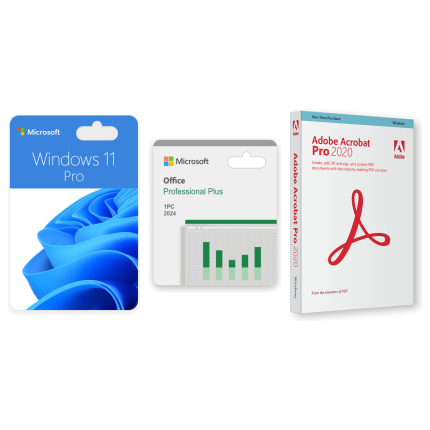
Bundle Microsoft® Windows 11 Pro + Office Professional Plus 2024 + Adobe® Acrobat® Pro 2020, digital licenses ESD, Windows
- Three-product bundle: Windows 11 Pro, Office Professional Plus 2024 and Adobe Acrobat Pro 2020
- The licenses are delivered within minutes by email, after payment is confirmed
- For individuals and companies; we issue an invoice
- Free technical support by email or WhatsApp, on request
- For Windows 11, the Microsoft requirements from the product page apply: TPM 2.0, UEFI with Secure Boot, 4 GB RAM and 64 GB storage.
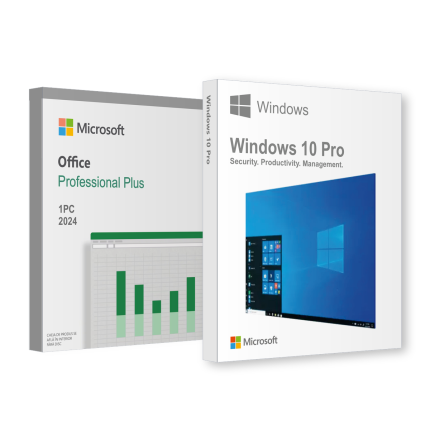
Bundle Microsoft® Windows 10 Pro Retail FPP + Office Professional Plus 2024, 2 x USB 3.0, All Languages
- The bundle contains the Windows 10 Pro and Office Professional Plus 2024 license codes, a bootable USB stick with the official Windows 10 Pro installation kit, a stick with the Office 2024 installation kit, and detailed installation instructions
- Ready to ship, from stock, by fast courier
- It can also be installed in Romanian
- For individuals and companies; we issue an invoice
- Activation online, with the key in the package
- Windows version: Retail FPP
- Permanent licenses, no subscription
- Set with two separate cases
- Compatibility: Windows 10 Pro is not on Microsoft's list of supported systems for Office LTSC 2024 (details below)
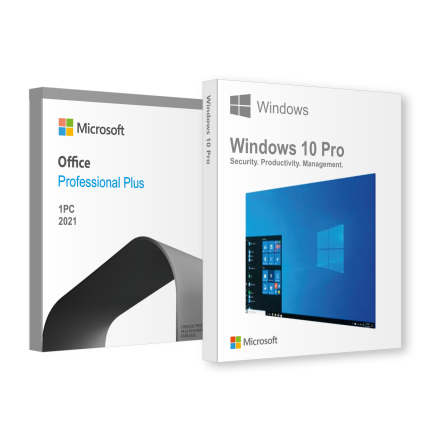
Bundle Microsoft® Windows 10 Pro Retail FPP + Office Professional Plus 2021, 2 x USB 3.0, All Languages
- The package contains the Windows 10 Pro and Office Professional Plus 2021 license codes, a bootable USB stick with the official Windows 10 Pro kit, a stick with the Office 2021 installation kit and detailed installation instructions
- Ready to ship, from stock, by fast courier
- It can also be installed in Romanian
- For individuals and companies; we issue an invoice
- Activation online, with the key in the package
- Windows version: Retail FPP
- Permanent licenses, no subscription
- Set with two separate cases
- Microsoft ended support for Office LTSC 2021 on October 13, 2026
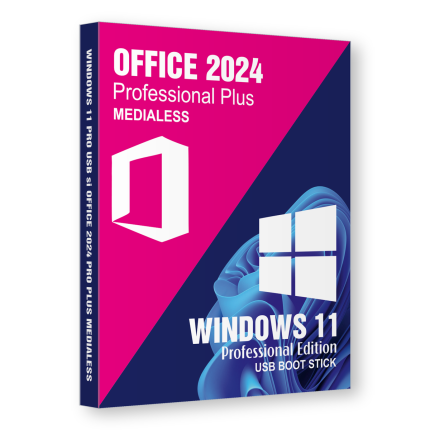
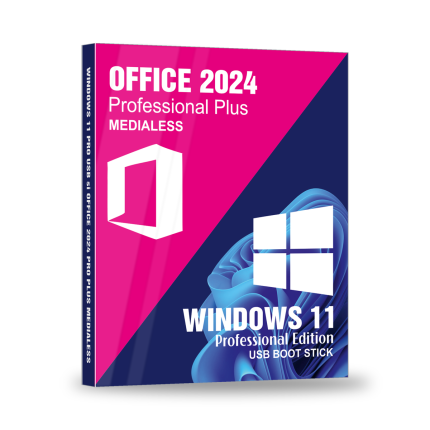
Bundle Microsoft® Windows 11 Pro Retail FPP + Office Professional Plus 2024, USB 3.0, One Box, All Languages
- The bundle contains the Windows 11 Pro and Office Professional Plus 2024 license codes, a bootable USB stick with the official Windows 11 Pro installation kit and the Office 2024 installation kit, plus detailed installation instructions
- Ready to ship, from stock, by fast courier
- It can also be installed in Romanian
- For individuals and companies; we issue an invoice
- Activation online, with the key in the package
- Windows version: Retail FPP
- Permanent licenses, no subscription
- A single case (One Box) for both products
Reviews
There are no reviews yet.