

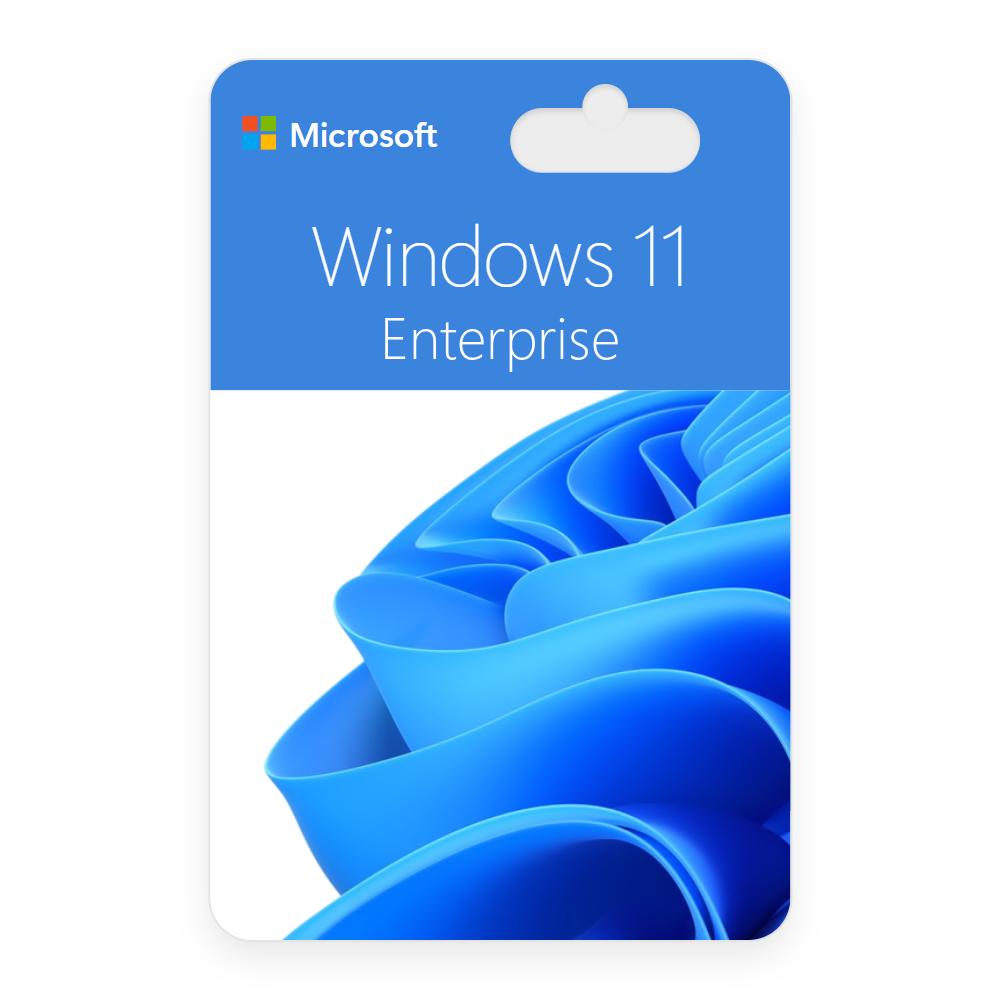
Microsoft® Windows 11 Enterprise, digital license ESD, 64 bit
199,00 lei
- Digital license (serial number) for Windows 11 Enterprise, delivered by email, after payment is confirmed
- The installation kit (the Microsoft Windows 11 business editions 24H2 image, in English, 64-bit; the Enterprise edition is set during installation) is on the installation kits page
- Can be used by companies and individuals; we issue an invoice
- Free technical support by email or WhatsApp, on request
- Windows 11 Enterprise is supported by Microsoft; version 24H2 receives updates until October 12, 2027
- Activation key by email within minutes of paying by card (check your Spam folder too)
- 24-month warranty: if activation fails, we send you another key free of charge
- Invoice for every order
- Installation help on WhatsApp: 0799 237 426
What you receive
- Digital license (serial number) for Windows 11 Enterprise, sent by email
- Installation and activation instructions
- The invoice for your order
Please note! The product key is unique, and the product cannot be returned after delivery. No stick or physical media is shipped: the license arrives by email, and you can find the installation kit (the Microsoft Windows 11 business editions 24H2 image, in English, 64-bit; the Enterprise edition is selected during installation) on installation kits page.
Microsoft support
According to Microsoft, Windows 11 Enterprise (listed together with Education) follows the Modern Lifecycle policy and has been supported since October 4, 2021. Each version has its own end-of-support date. For version 24H2, the version in our kit, support ends on October 12, 2027. Newer versions (25H2, 26H2) have later end dates, and Microsoft states that, unless deferred, version updates can be installed before the end-of-support date.
If you want a simpler edition, see Windows 11 Pro, digital license. For special-purpose devices, see Windows 11 Enterprise LTSC 2024, digital license. You can find other options in the category Windows, digital licenses, and details about licenses in the License Guides.
Minimum system requirements (Microsoft)
- Processor: 1 GHz or faster, with 2 or more cores, on a compatible 64-bit processor or System on a Chip (SoC)
- RAM: 4 GB or more
- Storage: 64 GB or more of free disk space
- Graphics card: compatible with DirectX 12 or later, with WDDM 2.0 driver
- Firmware: UEFI with Secure Boot support
- TPM: Trusted Platform Module (TPM) version 2.0
- Display: HD (720p), with a diagonal of 9 inches or larger and 8 bits per color channel
- Internet: an internet connection is required for updates and for downloading and using some features
Check these requirements before ordering. Microsoft states that some features have additional requirements beyond the minimum ones.
How to install
- Download the installation kit from installation kits page and prepare an installation USB stick.
- Start the computer from the stick and follow the installation steps.
- If the installation asks for the product key, enter the key you received by email; if it shows a list of editions, select Windows 11 Enterprise.
- Activate Windows by following the instructions you received by email; if activation fails, write to us and we will help.
Frequently asked questions
Which installation kit do I use?
The Microsoft Windows 11 business editions 24H2 image, in English, 64-bit, from installation kits page. The Enterprise edition is selected during installation.
Can I install Windows 11 Enterprise on any PC?
The computer must meet the minimum requirements above. What matters most are TPM 2.0, UEFI with Secure Boot, and a compatible 64-bit processor.
How long is version 24H2 supported?
According to Microsoft, until October 12, 2027. Windows 11 Enterprise remains supported through the following versions.
Can I use the license as a company?
Yes. The product can be used by individuals and companies, and the invoice is issued to an individual or a company.
How do I receive the license?
The digital license (serial number) is sent by email after payment is confirmed.
Official sources: Microsoft Learn – Windows 11 Enterprise and Education lifecycle; Microsoft Learn – Windows 11 requirements; Microsoft Learn – Windows 11 release information.
Only logged in customers who have purchased this product may leave a review.
Related products
Microsoft® Windows 11 Pro, digital license ESD, 64 bit, All Languages
- Digital license (serial number) for Windows 11 Pro, delivered within minutes by email, after payment is confirmed
- It can also be installed in Romanian
- Can be used by companies and individuals; we issue an invoice
- Activation online, with the key received by email
- Free technical support by email or WhatsApp, on request
Microsoft® Windows 10 Pro Retail, digital license ESD, 32/64 bit, All Languages
- Digital license (serial number) for Windows 10 Pro, delivered within minutes by email, after payment is confirmed
- It can also be installed in Romanian
- Can be used by companies and individuals; we issue an invoice
- Activation online, with the key received by email
- Free technical support by email or WhatsApp, on request
- Microsoft ended support for Windows 10 on October 14, 2025
Microsoft® Windows 10 Enterprise, digital license ESD, 32/64 bit
- Digital license (serial number) for Windows 10 Enterprise 22H2, delivered by email, after payment is confirmed
- The installation kit (Windows 10 Enterprise 22H2, in English, 32 and 64-bit, built with the official Media Creation Tool) is on the installation kits page
- Can be used by companies and individuals; we issue an invoice
- Free technical support by email or WhatsApp, on request
- Microsoft ended support for Windows 10 on October 14, 2025
Microsoft® Office Home & Business 2021 for Mac, digital license ESD, perpetual license, macOS
- Digital license (serial number) for Office Home & Business 2021 for Mac, delivered within minutes by email, after payment is confirmed
- Works only on Mac (macOS); perpetual license, no subscription
- Can be used by companies and individuals; we issue an invoice
- Activation online, with the key received by email
- Free technical support by email or WhatsApp, on request
- Microsoft ended support for Office 2021 on October 13, 2026
Microsoft® Project Professional 2024, digital license ESD, perpetual license, 1 PC, Windows
- Digital license (serial number) for Project Professional 2024, delivered within minutes by email, after payment is confirmed
- For devices running Windows; does not run on Mac
- Can be used by companies and individuals
- One-time purchase, no subscription
- We issue an invoice to an individual or a company
- Free technical support by email or WhatsApp, on request
- Microsoft support until October 9, 2029
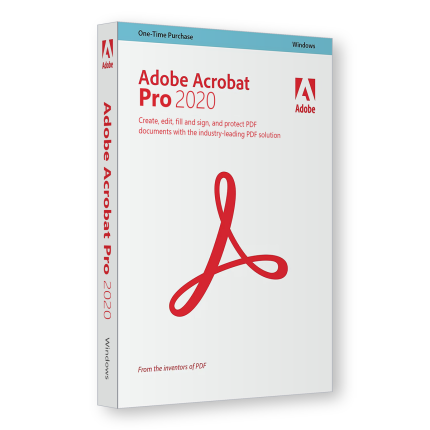
Adobe® Acrobat® Pro 2020, digital license ESD, Windows
- Digital license (serial number) for Adobe Acrobat Pro 2020, delivered within minutes by email, after payment is confirmed
- For Windows
- For individuals and companies; we issue an invoice
- Free technical support by email or WhatsApp, on request
- Adobe ended support for Acrobat 2020 on November 30, 2025 (details below)
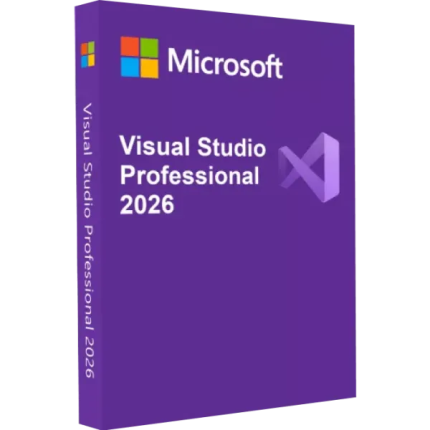
Microsoft® Visual Studio Professional 2026, digital license ESD, Windows
- Digital license (serial number) for Visual Studio Professional 2026, delivered by email, after payment is confirmed
- For development on Windows (Windows 11 or Windows Server 2019, 2022, 2025); there is no version for Mac
- We issue an invoice to an individual or a company
- Activation from Visual Studio, with the product key received by email
- Free technical support by email or WhatsApp, on request
- Visual Studio 2026: released on November 11, 2025, Microsoft support until November 2027; LTSC 18.11 channel, until November 2028
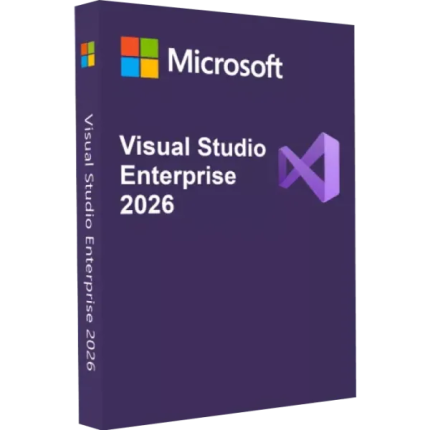
Microsoft® Visual Studio Enterprise 2026, digital license ESD, Windows
- Digital license (serial number) for Visual Studio Enterprise 2026, delivered by email, after payment is confirmed
- For development on Windows (Windows 11 or Windows Server 2019, 2022, 2025); there is no version for Mac
- Includes the features of the Professional edition plus advanced debugging, testing, and architecture validation features
- We issue an invoice to an individual or a company
- Activation from Visual Studio, with the product key received by email
- Free technical support by email or WhatsApp, on request
- Visual Studio 2026: released on November 11, 2025, Microsoft support until November 2027; LTSC 18.11 channel, until November 2028
Reviews
There are no reviews yet.